What an Aesthetic Clinic Website Needs to Convert (Not Just Look Good)

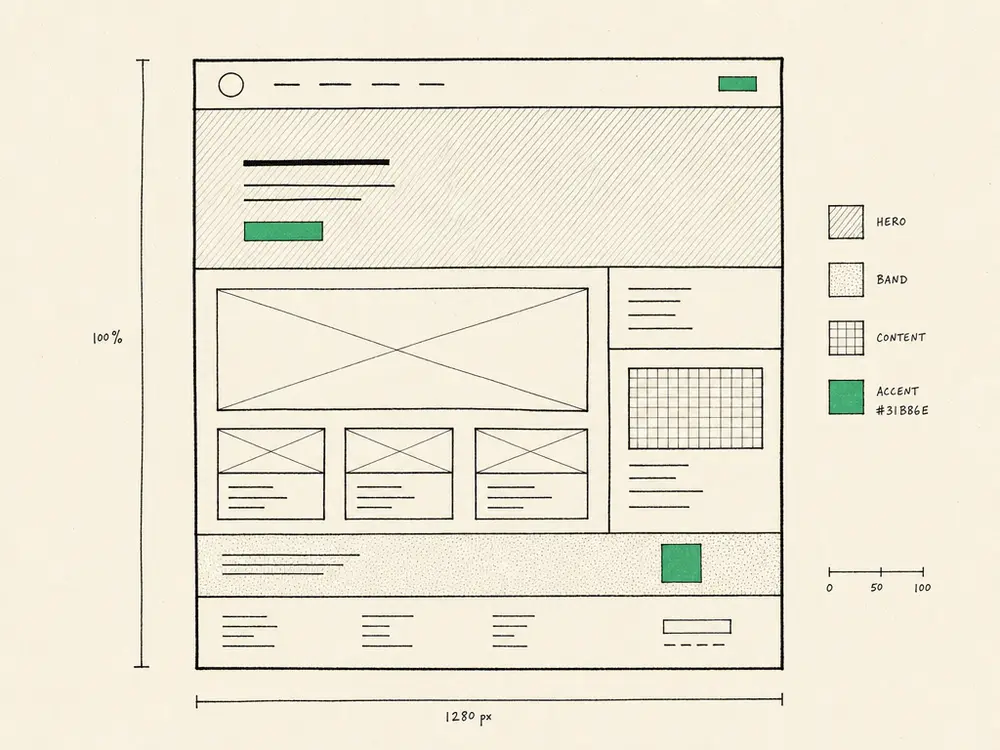
Most aesthetic clinic websites are showrooms. They look beautiful and book nothing.
I’ve audited well over a hundred clinic sites in the last year and almost all of them have the same problem: the brief was about how the site should look, not what it should do. The design agency delivered a pretty homepage with a model on it, a few stock-photo treatment cards, and an “Enquire now” form that goes to a generic info@ inbox nobody reads.
Then the owner wonders why the diary is half-empty.
A clinic website has three jobs. If it does all three, the diary fills. If it does only two, the diary half-fills. If it does only the first one — looking nice — you get compliments and no bookings.
The three jobs of a clinic website
Job one: be found. A patient in your town searches “lip filler [town name]” and your site appears in the top three. Without this, the other two jobs don’t matter — nobody sees the website.
Job two: build trust before the click. A patient who lands on your site in the first ten seconds decides whether you’re a real clinic, a real practitioner, and safe to book. This is the trust layer. Most clinic websites fail here because they read like a brochure for a clinic that could be anywhere.
Job three: get them to a consultation. A trusted visitor needs a clear, low-friction next step. A four-field audit form or a one-click WhatsApp message. Not a 12-field intake form before they’ve even committed.
Everything below maps to one of those three jobs.
Job one — being found (the SEO base)
Without these, the site might as well not exist online.
- Treatment pages, one per treatment, per location. A single “Treatments” page listing 25 services ranks for none of them. Split them up. “Botox in Leamington” gets its own page with its own title, H1, copy, schema, and FAQ.
- Local intent in copy. The town name appears in the title, H1, first paragraph, and a few times naturally in body copy on every page that targets local search. If your site never mentions the town you’re in, you won’t rank for “near me” queries.
- Schema markup. Minimum
MedicalBusinessschema on the home page,Serviceschema on every treatment page,FAQPageschema on pages with question blocks. Most WordPress plugins handle this — verify with Google’s Rich Results Test. - Sitemap submitted to Google Search Console. Free, takes ten minutes. Most clinics never do it.
- Speed. Mobile Lighthouse score above 90. Most WordPress sites score in the 30s. If you can’t pass this, no SEO work fixes the underlying drag.
If you’re light on this layer, start with the SEO checklist I wrote in the SEO post. The website fixes below assume your SEO foundation is real.
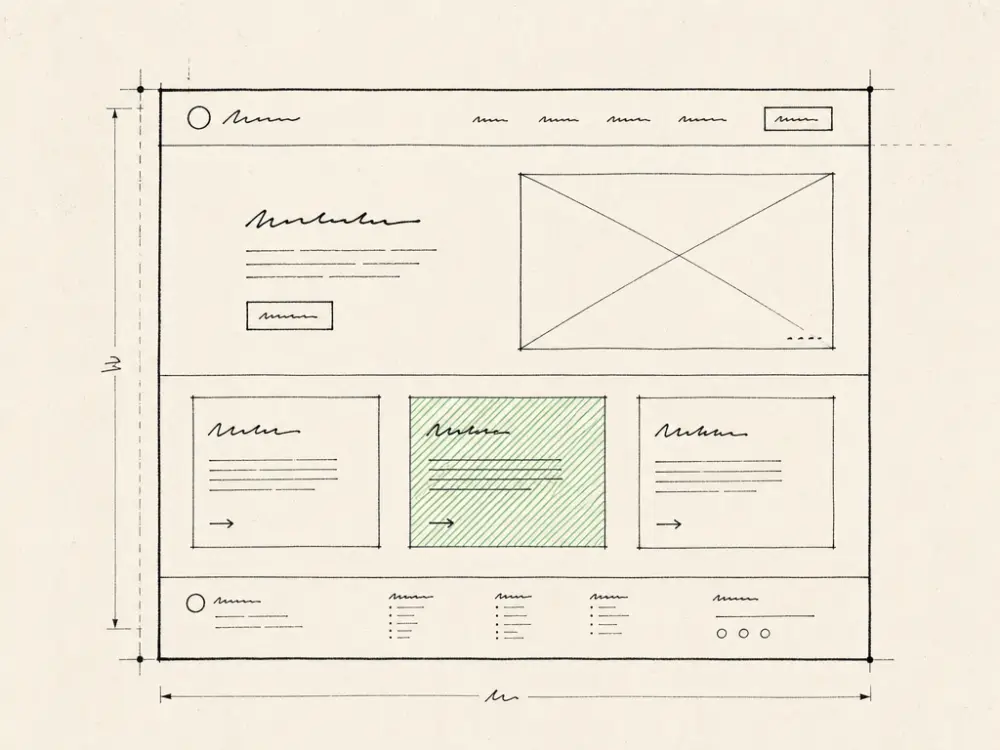
Job two — building trust before the click
This is where most clinic sites are deliberately bland. Don’t be bland.
- Real photos of the actual clinic, taken in the actual clinic. Reception. Treatment room. Your team. Daylight, no filters. Patients can tell the difference between stock images and reality in three seconds — and stock images break trust permanently.
- Real photos of the actual practitioner, not a model. Your face above the fold, with your full name and qualifications. The patient is buying you, not a brand.
- Credentials surfaced visibly. JCCP, Save Face, CQC, GMC, NMC, GPhC — whichever apply. Logos in the footer aren’t enough. A short line near the top: “Registered with Save Face. CQC-inspected. Five years prescribing experience.” Specific. Not aspirational.
- Real before-and-afters, with ASA-compliant captions. Real patients, with real consent, with the right wording (no “guaranteed results”; describe what the patient experienced, not what you promised). Three good ones beat thirty mediocre ones. None at all is better than misleading ones.
- Reviews quoted with patient consent. Pull from Google reviews. Attribute by first name + initial. Don’t fabricate. Patients smell it.
- A clear price point or range. Hiding pricing makes people bounce. You don’t need an exact price list — “Lip filler from £180–£280” is enough to qualify out the wrong fit.
- Anything that proves you’re not a generic chain. A short founder story. A unique view on aesthetics (“We don’t do anything we wouldn’t do on ourselves”). A specific aftercare protocol. Specificity is trust.
Job three — getting them to a consultation
The bookings live or die here. The friction-to-conversion ratio is what most clinics get wrong.
- One clear primary CTA per page. Not three different “book now / call us / WhatsApp / email” boxes competing. One. Most patients respond best to a low-commitment offer first — a free consultation booking, a free quote, a treatment-area photo upload.
- Audit or consultation form with fewer than five fields. Name, email, what they want, when they’re free, optional photo. Adding “address”, “date of birth”, “previous treatments”, and “how did you hear about us” before the consultation is friction that costs you the lead.
- WhatsApp click-through for mobile traffic. 75% of clinic traffic is mobile. WhatsApp’s lower commitment than a phone call. A click-to-WhatsApp button on every treatment page captures the lead at the moment of intent.
- Sticky CTA on mobile. A small “Book a consultation” bar pinned to the bottom of the viewport on mobile. Doesn’t disappear when they scroll. Most clinic sites lose mobile leads to the no-CTA scroll.
- No auto-play video, no carousels, no popups for newsletter signups. All three break conversion on mobile and add nothing.
- A booking page that doesn’t crash. If your booking system (Pabau, Fresha, Cliniko, Aesthetic Record) is slow to load or breaks on mobile, the entire site’s conversion drops. Test it weekly from your phone on cellular data.
UK regulatory hygiene the website has to handle
ASA, ICO, GDPR, and your professional body all touch what your website can say and store. Most clinic sites fail one or more of these.
- Before-and-after content. ASA: no implied guarantees. Patient consent on file for every image used. Captions describe what was done, not what was achieved. Be specific about timeframe and product where applicable.
- No medical claims you can’t back. “Reduces wrinkles” needs evidence. “Helps clients feel more confident” is a soft claim, harder to challenge. The line matters.
- GDPR-compliant intake. Your form’s privacy policy is linked. The data is stored encrypted. Patients can request deletion. If you collect health data, you need a lawful basis under Article 9 (usually explicit consent).
- Cookie banner that works. UK PECR requires opt-in for non-essential cookies. Most clinic sites default to “everything on” — that’s a fine waiting to happen. Use a real consent manager (Cookiebot, Iubenda) or a simple Cloudflare-hosted banner.
- Prescribing visibility. If your clinic does prescription-only procedures, the prescriber is named. If they don’t, you don’t claim they do. ASA and GMC take this seriously.
The WordPress trap (and why most clinic sites are slow)
Most aesthetic clinic websites I audit are on WordPress with 40+ plugins, a heavy theme that bundled features the clinic never uses, and a hosting plan optimised for cost not speed.
The result is a site that takes 5–8 seconds to load on mobile, costs £150–£400/month between hosting + maintenance + plugin licences, and breaks every six months when one plugin update conflicts with another.
You don’t have to abandon WordPress to fix this. But you should know what the alternatives look like:
- Astro + Cloudflare Pages (what I run for this site) — static site, builds in seconds, loads in <1s on mobile, costs nothing for hosting at clinic-scale traffic, no plugin sprawl. Trade-off: editing content is slightly less visual than WordPress (you edit markdown files instead of a WYSIWYG editor).
- Webflow — visual editor, fast, expensive but reliable. £30–£200/month depending on plan.
- Squarespace / Wix — easy but limited. You’ll outgrow them.
- WordPress, but lean — Yoast or Rank Math for SEO, a single performance plugin (LiteSpeed Cache or W3 Total Cache), no page builder, no Elementor, no Divi. Possible but takes discipline most agencies don’t have.
The best stack is the one you’ll actually maintain. If your clinic doesn’t have someone willing to update plugins monthly, switch to something that doesn’t have plugins.

How long does this take to build?
A converting clinic website is four to eight weeks of focused work:
- Week 1–2: audit existing content, define site IA, gather assets (photos, copy, credentials).
- Week 3–5: build the pages, integrate the booking system, set up the audit form.
- Week 6–7: SEO foundation (schema, sitemap, GSC), regulatory compliance review.
- Week 8: pre-launch testing, redirects from the old site, soft launch.
If anyone offers you a six-figure quote and a six-month timeline, walk away. If anyone offers you a £500 site in a week, also walk away. Most well-built clinic sites live in the £3,000–£8,000 one-off range, or come bundled into a recurring service.
A short version of this
If you do nothing else this month, do these five things on your existing site:
- Add a real photo of you and your team above the fold on the home page.
- Add JCCP / Save Face / CQC credentials visibly near the top of every page.
- Cut your consultation form down to four fields max.
- Test your mobile speed at PageSpeed Insights. If under 50, fix images and audit plugins.
- Add a click-to-WhatsApp button on every treatment page.
Total time: a long afternoon. Likely conversion impact: meaningful.
Want this taken off your plate? I build and run websites for UK aesthetic clinics for £297 a month, with no build fee and no minimum term. Book a 30-minute call and I’ll give you a straight answer on whether it suits your clinic.