
Multi-Location SEO: How to Rank Every Clinic You Own

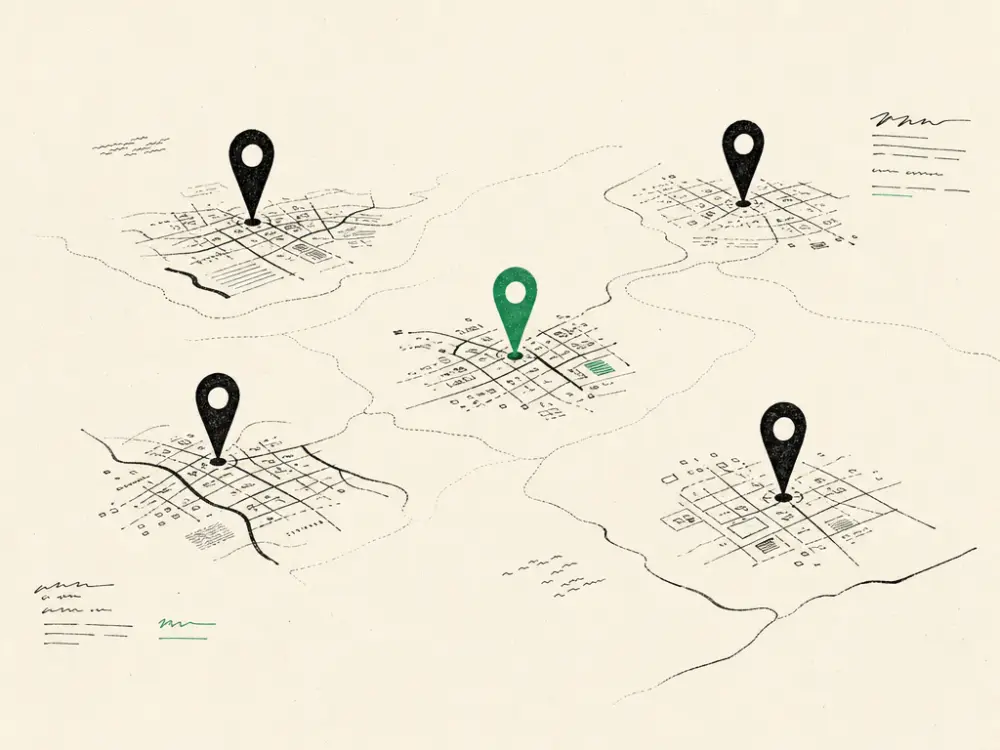
When we opened our second clinic, I assumed the hard part was done. We had a website that ranked. We had reviews. We had a brand people in the area recognised. Adding a second town felt like it should be a copy-and-paste job.
It was not. The second clinic sat at position 40 for its own town for the best part of five months while the original clinic kept humming along fifteen miles away. Same brand, same treatments, same website. One was full, one was quiet.
What I eventually worked out — and then repeated seven more times — is that Google does not rank your business. It ranks a location against other locations in a specific place. Your flagship’s authority does not carry across on its own. You have to build each branch its own case.
Why this costs more than you think
A second or third site is the most expensive thing a clinic owner does. Lease, fit-out, equipment, a practitioner on salary from day one. The break-even maths only works if the diary fills quickly.
Every month a branch spends invisible in local search is a month of paying rent on a room that isn’t producing. I have watched owners plug that gap with paid ads for a year — spending four figures a month to buy the traffic a properly built location page would have brought in for nothing.
The fix is not complicated. It is just fiddly, and it has to be done per location rather than once for the group.
1. One page per location, and it has to be a real page
Almost every clinic group I audit has a single /locations/ page listing four addresses. That is one page trying to rank in four towns, which means it ranks in none of them.
Each branch needs its own URL — /clinics/reading/, /clinics/watford/ — and it needs to be a genuine page, not a template with the town name swapped in. Google is comfortable spotting a page that is 95% identical to four others. When it does, it picks one and ignores the rest.
What makes a location page real:
- The full address, in text, matching your Google Business Profile character for character
- That branch’s own phone number, if it has one
- That branch’s opening hours, which will differ from the flagship
- The specific practitioners who work there, named, with their qualifications
- Photos of that clinic — the actual reception, the actual treatment room
- The treatments available at that site, which is rarely the identical list
- Parking, nearest station, which side of the high street you are on
That last group is what separates a page that ranks from a template. Nobody else can write “two minutes from the multi-storey behind the Waitrose” about your Watford branch. It is unique by definition, and it is the kind of detail a nervous first-time patient actually wants.

2. A separate Google Business Profile for every branch
This is non-negotiable, and it is where most groups fall down. One profile cannot rank in four towns. Each physical premises with its own staff and its own opening hours is entitled to its own profile, and needs one.
Set each up with the same primary category, the branch’s own address and phone, and its own photo set. Link each profile to its matching location page, not to your homepage. That single link tells Google which page belongs to which pin.
Then treat them as separate assets. Posts, photos and reviews on the Reading profile do nothing for Watford. If you only ever update the flagship’s profile, the flagship is the only one that will show up.
3. Reviews have to be collected per branch
Review count is a heavy local ranking factor, and reviews attach to a profile, not to a company. A group with 300 reviews on the original clinic and 6 on the newest one will rank exactly like a well-established clinic and a brand-new one, because that is what Google sees.
When we opened a new site, the rule was that every patient treated at that branch got the review link for that branch. Front desk, same day, no exceptions. It is the fastest way to close the gap, and it takes about six weeks of discipline to move a new location from invisible to competitive.
Two things to watch. Do not ask patients to leave the same review on more than one profile — Google filters duplicates and it looks manufactured. And check that the review request your booking system sends is location-aware, because most default to a single hard-coded link.
4. Get your NAP consistent before you scale it
Name, address, phone. If they are inconsistent, every new branch multiplies the mess.
The common failure: the group signs up to a directory once, with the head-office address, and every branch inherits it. Now you have four clinics all citing one address, and Google is receiving contradictory signals about where each one actually is.
Audit it properly. Search your brand name and check every listing that comes back — directories, the aesthetics registers, insurance listings, Facebook, Apple Maps. Each branch gets its own citation set with its own address. Correct the wrong entries rather than adding new listings on top of them.
5. Internal links: treat branches as siblings, not children
Your location pages should link to each other and be reachable from the main navigation, not buried three clicks down under “About”.
The practical version: an “Our clinics” item in the top nav, a short block at the foot of every treatment page listing where that treatment is available, and a line on each location page pointing to the nearest other branch. It helps patients who have moved house or work in a different town, and it spreads authority across the group instead of pooling it all on the homepage.
6. Treatment pages per location, but only where it earns its place
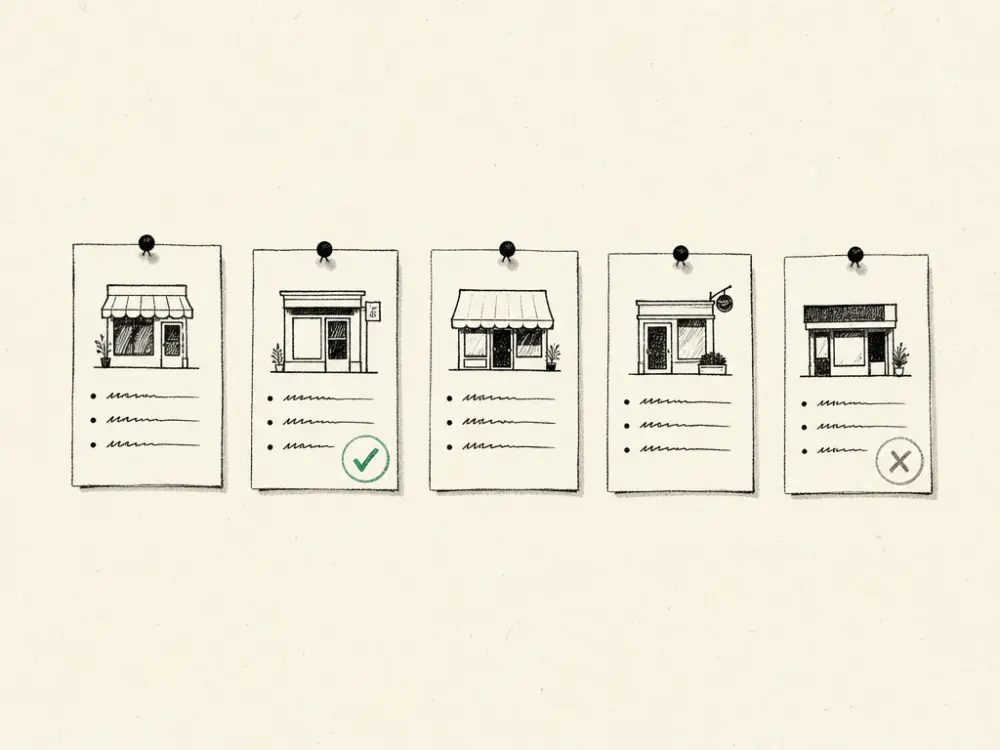
This is where clinic groups either win big or waste months. In theory every treatment at every branch could have its own page — lip filler in Reading, lip filler in Watford — and the long-tail traffic is real.
In practice, thin duplicated pages will hurt you. My rule: build a treatment-plus-town page only where you can genuinely write 500 useful words that do not already exist on the parent treatment page, and only for the treatments that actually drive revenue at that site. Three well-built ones beat forty thin ones, every time.
What to do this week
In this order:
- Check every branch has its own Google Business Profile, correctly categorised, linked to its own location page. If a branch is missing one, that is this week’s job.
- Look at your location pages side by side. If you could swap the town names and not notice, they need rewriting with the specifics only you can write.
- Fix the review ask. Make the link location-aware so patients review the branch they actually visited.
- Audit the citations for your newest branch. It will be the one with the fewest listings and the most errors.
None of this is quick, but it is durable. A location page that ranks keeps ranking, and it costs nothing per booking once it is built. That is the difference between growth that compounds and growth you have to keep buying.
This is Reach (R1) applied per site rather than per brand, and Establish Local Trust (E in S.E.L.F.) earned town by town. A clinic group is not one business in search — it is several local businesses that happen to share a logo. Once you plan for that, the second location fills a lot faster than my first one did.
Surinder Ahitan grew the CoLaz aesthetic clinic group from one to nine UK locations in six years, mainly through search rather than paid advertising.
If you’d like someone to handle this for you, I build and run websites for UK aesthetic clinics for £297 a month, with no build fee and you can cancel any time after month 1. Book a 30-minute call and I’ll tell you honestly whether it fits.